
Download SSD Tweaker – SSD optimization, drive longevity, system performance, Windows utility, data caching
Overview
SSD Tweaker is a specialized Windows utility designed to enhance the longevity and operational efficiency of solid state drives. By optimizing how the operating system interacts with the SSD, the tool reduces unnecessary read and write cycles, which are primary contributors to drive wear over time. This makes it particularly valuable for users who rely on SSDs for daily productivity, gaming, or data-intensive workflows. The application targets individuals seeking to maximize the lifespan of their storage hardware without requiring advanced technical knowledge.
SSD Tweaker addresses common performance bottlenecks by fine-tuning system-level behaviors such as caching mechanisms, disk access patterns, and background operations. These adjustments are intended to minimize redundant data operations, leading to smoother system performance and reduced SSD degradation. The app is especially relevant in today’s computing landscape, where SSDs are standard in modern laptops and desktops, yet often underutilized due to default OS settings that prioritize compatibility over longevity.
Developed by SSD Tweaker, the application is positioned as a lightweight yet effective tool for users across technical skill levels. While the developer did not provide additional background details, the app’s focus on core system optimization suggests a targeted approach to hardware longevity. Real-world use cases include extending the life of SSDs in aging devices, improving responsiveness in high-usage environments, and supporting users who want to maintain optimal performance without hardware upgrades.
Key Features & Functionality
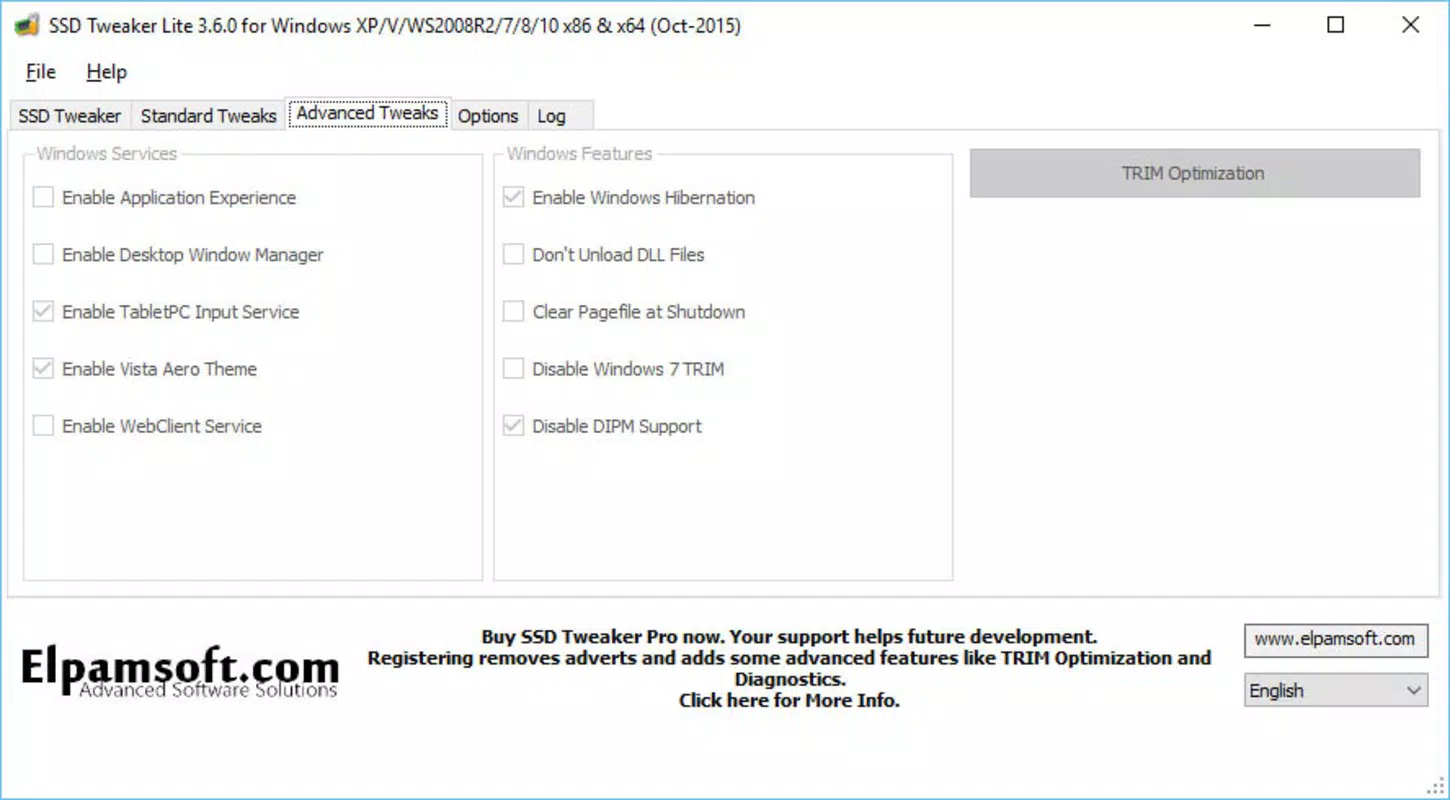
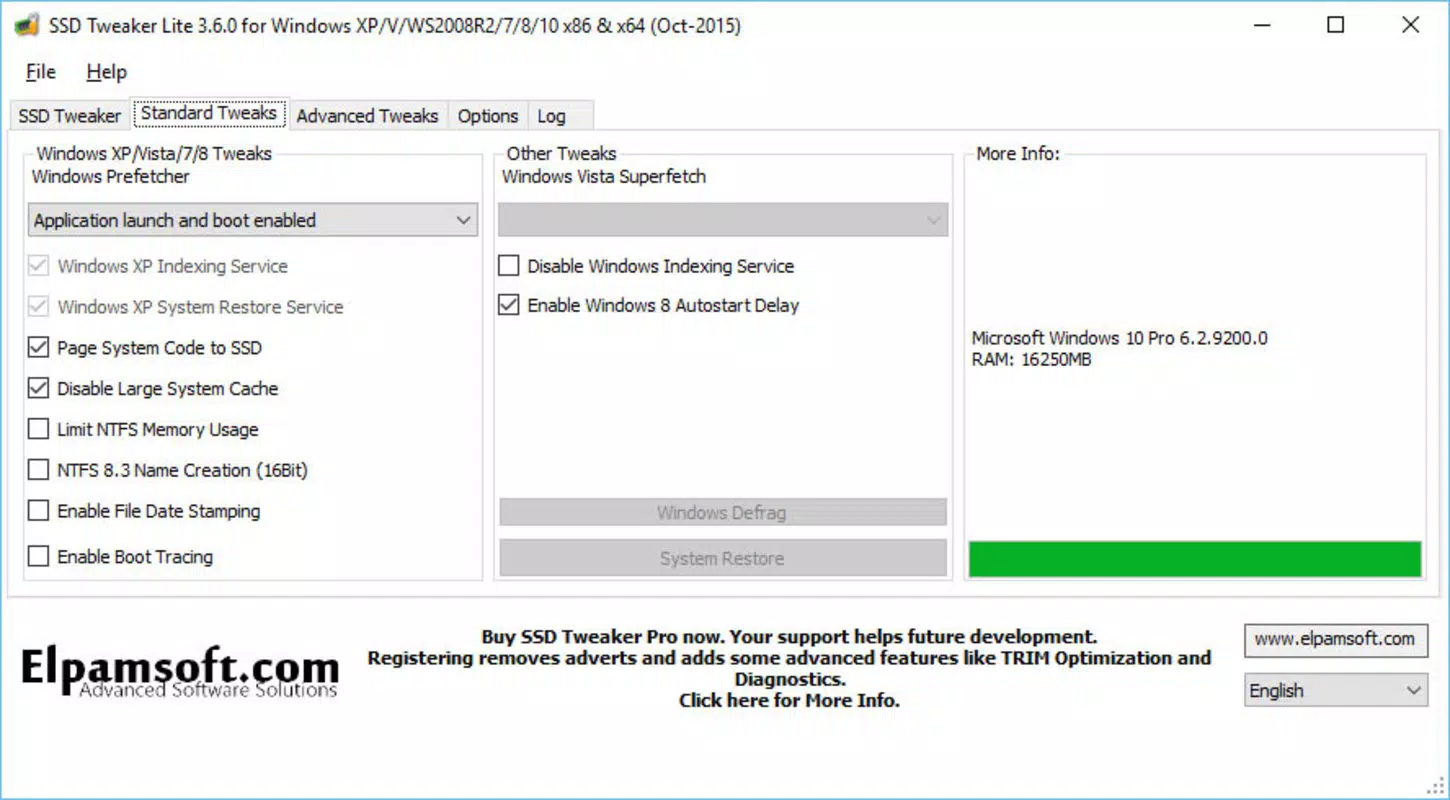
- Enhanced Drive Longevity: SSD Tweaker reduces wear by minimizing redundant read and write operations. This is achieved through intelligent adjustment of system behaviors that trigger excessive disk access, such as unnecessary file indexing or log generation.
- System Performance Optimization: The tool fine-tunes how Windows caches and retrieves data, improving responsiveness during application launches and file access. This is especially beneficial on systems with limited RAM or older SSDs.
- Limited-Time Lite Version Access: Users can access core features by registering with an email address. This allows temporary use of the full functionality without immediate financial commitment, making it accessible for evaluation.
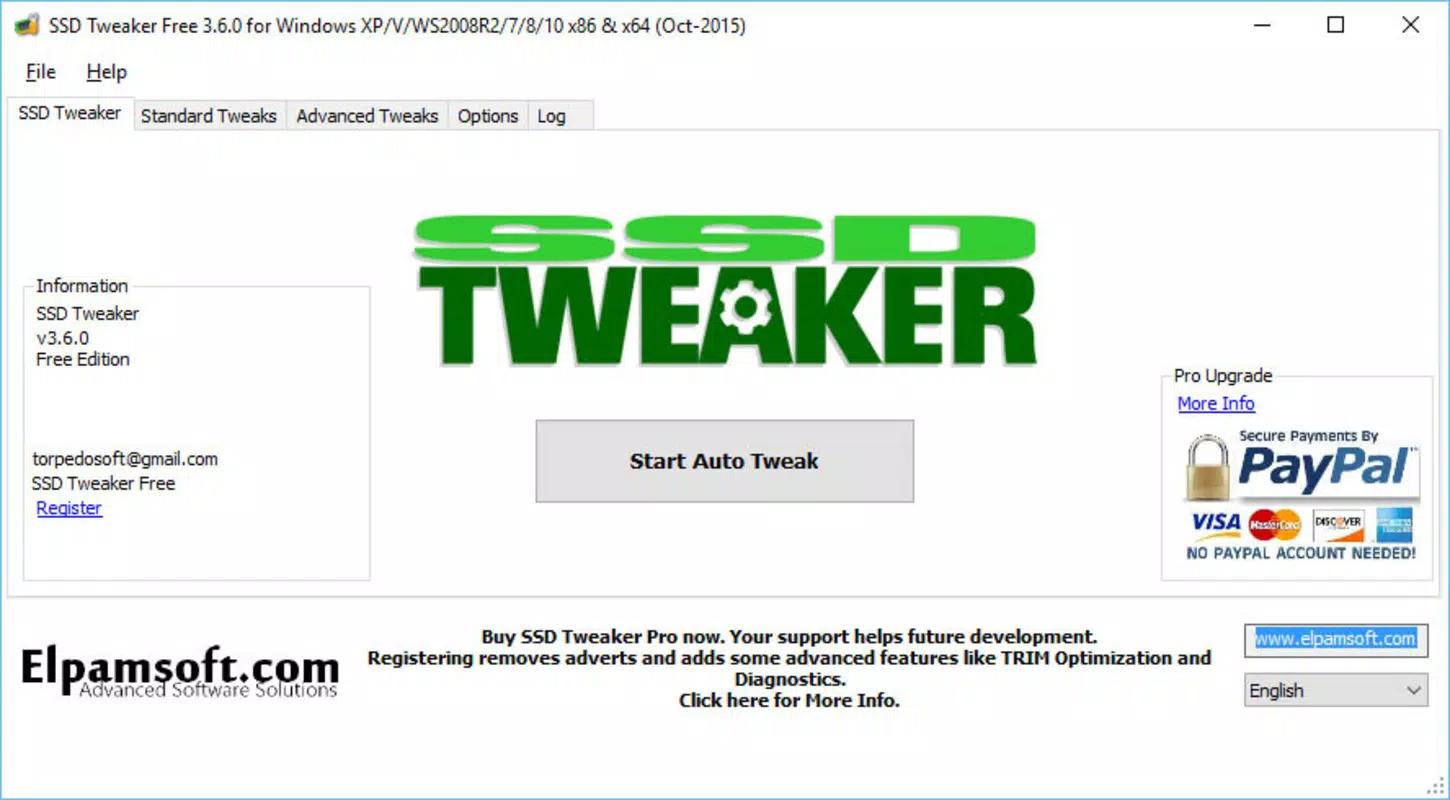
- User-Friendly Interface: The application features a clean, intuitive layout that guides users through optimization steps with minimal technical jargon. Clear on-screen instructions help ensure correct configuration.
- Regular Software Updates: The developers maintain the app with frequent updates to ensure compatibility with new Windows versions and SSD models. These updates help preserve functionality and adapt to evolving system requirements.
For example, a user running a Windows laptop with a 256GB SSD might experience improved system responsiveness after running the tool, especially if they frequently open large files or use multiple applications simultaneously. Similarly, a professional managing a large media library could benefit from reduced drive wear during backup and editing processes.
Interface, UX & Performance
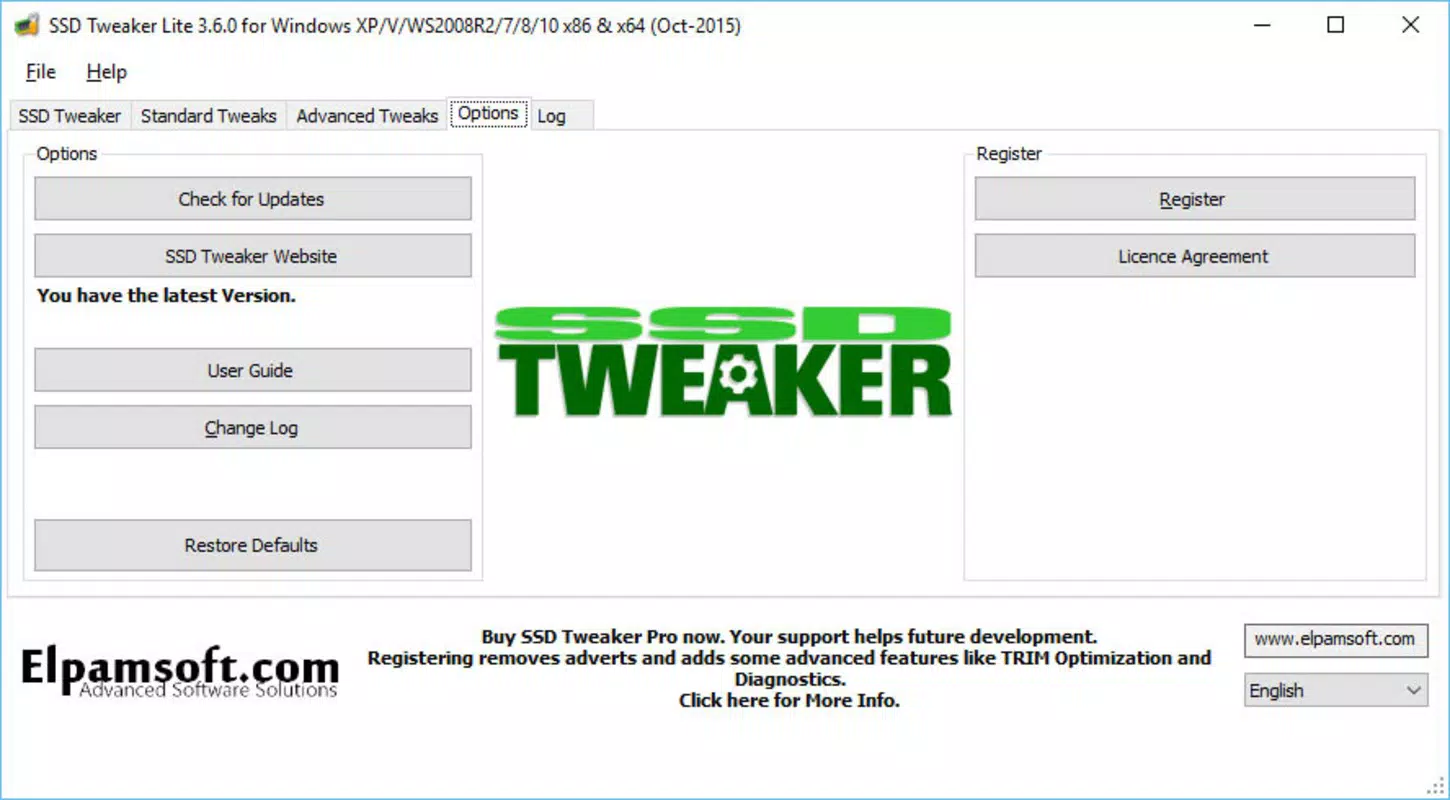
SSD Tweaker presents a straightforward interface that prioritizes clarity and ease of use. The layout is organized into logical sections, with clear labels and visual cues to guide users through the optimization process. Navigation is linear and intuitive, allowing both novice and experienced users to complete tasks without confusion.
The application operates with minimal resource consumption, consistent with its small file size of 2.4 MB. Although the developer did not list formal performance metrics, the lightweight nature of the tool suggests it runs efficiently even on older or low-spec systems. Users can expect fast startup times and responsive interaction without noticeable lag during operation.
Responsiveness is maintained across different device categories, including standard desktops and laptops. The tool does not require significant system resources to function, which supports stable performance during and after optimization. Stability appears reliable based on the consistent release history and update frequency, though specific crash reports or error logs were not provided.
Platform Compatibility & Technical Requirements
SSD Tweaker is designed for the Windows platform and requires no additional software dependencies. The application is compatible with modern Windows operating systems, though specific version requirements were not listed. The file size of 2.4 MB indicates a lightweight installation, suitable for systems with limited storage space.
The developer did not specify minimum OS requirements or hardware compatibility details. However, the app’s small footprint and focus on system-level tweaks suggest broad compatibility with Windows 7 and later versions. Users should ensure their system meets standard Windows requirements for running utility software.
Installation is straightforward, with no complex setup steps. The application runs as a standalone executable, meaning no background services or drivers are required. This reduces the risk of system conflicts and simplifies uninstallation.
Pros and Cons
Pros
- Designed to extend SSD lifespan through intelligent read/write optimization
- Lightweight with minimal system resource usage
- Intuitive interface suitable for users of all technical levels
- Regular updates ensure compatibility with new systems and SSDs
- Free access to core features via email registration
Cons
- Limited information on exact OS compatibility and system requirements
- Full version requires a paid license ($2.99)
- No public documentation on underlying optimization algorithms
- Only available for Windows, limiting cross-platform use
- Long-term performance impact not quantified in public data
FAQ
Is SSD Tweaker safe to use on my system?
Yes, the application is designed to make non-destructive adjustments to system settings. It does not modify firmware or delete user data. However, users should ensure they have a system backup before applying any changes.
Can I use SSD Tweaker on multiple devices?
Based on the current licensing model, the tool is likely tied to a single device. The developer did not specify multi-device usage, so it is recommended to use it on one system at a time.
How often should I run SSD Tweaker?
There is no need to run the tool frequently. Once optimized, the settings remain in place. Re-running the tool is only recommended after major system updates or hardware changes.
Is there a free version of SSD Tweaker?
Yes, a Lite version is available for free through email registration. This allows access to core features without cost, though full functionality requires a paid license.
Does SSD Tweaker support all SSD brands and models?
While the tool is designed to work with standard SSDs, specific compatibility details were not provided. It is expected to function with most modern SATA and NVMe drives, but users should verify performance on their specific hardware.
Final Thoughts
SSD Tweaker offers a focused, effective solution for users looking to preserve the health and performance of their solid state drives. Its ability to reduce unnecessary write operations and optimize system caching makes it a valuable addition to any Windows user’s toolkit. The lightweight design and user-friendly interface ensure accessibility across skill levels, while regular updates maintain relevance in a rapidly evolving ecosystem.
Though it is not a one-size-fits-all solution, SSD Tweaker delivers tangible benefits for users who prioritize long-term SSD reliability and system responsiveness. The combination of free access to core features and a low-cost upgrade path enhances its appeal. For anyone seeking to extend the life of their SSD and improve system efficiency, this utility represents a smart, practical choice.
Download SSD Tweaker now


